Norton 360 Deluxe
ΑΠΑΙΤΉΣΕΙΣ ΣΥΣΤΉΜΑΤΟΣ
- Επεξεργαστής 32-bit (x86) ή 64-bit (x64) 1 gigahertz (GHz) ή ταχύτερος
- 1 gigabyte (GB) RAM (32 bit) ή 4 GB RAM (64 bit)
- 4 GB διαθέσιμου χώρου στο σκληρό δίσκο
- Συσκευή γραφικών DirectX 9 με πρόγραμμα οδήγησης WDDM 1.0 ή ανώτερο
ΛΗΨΗ
Request: After purchasing the norton product, you will have a product key.
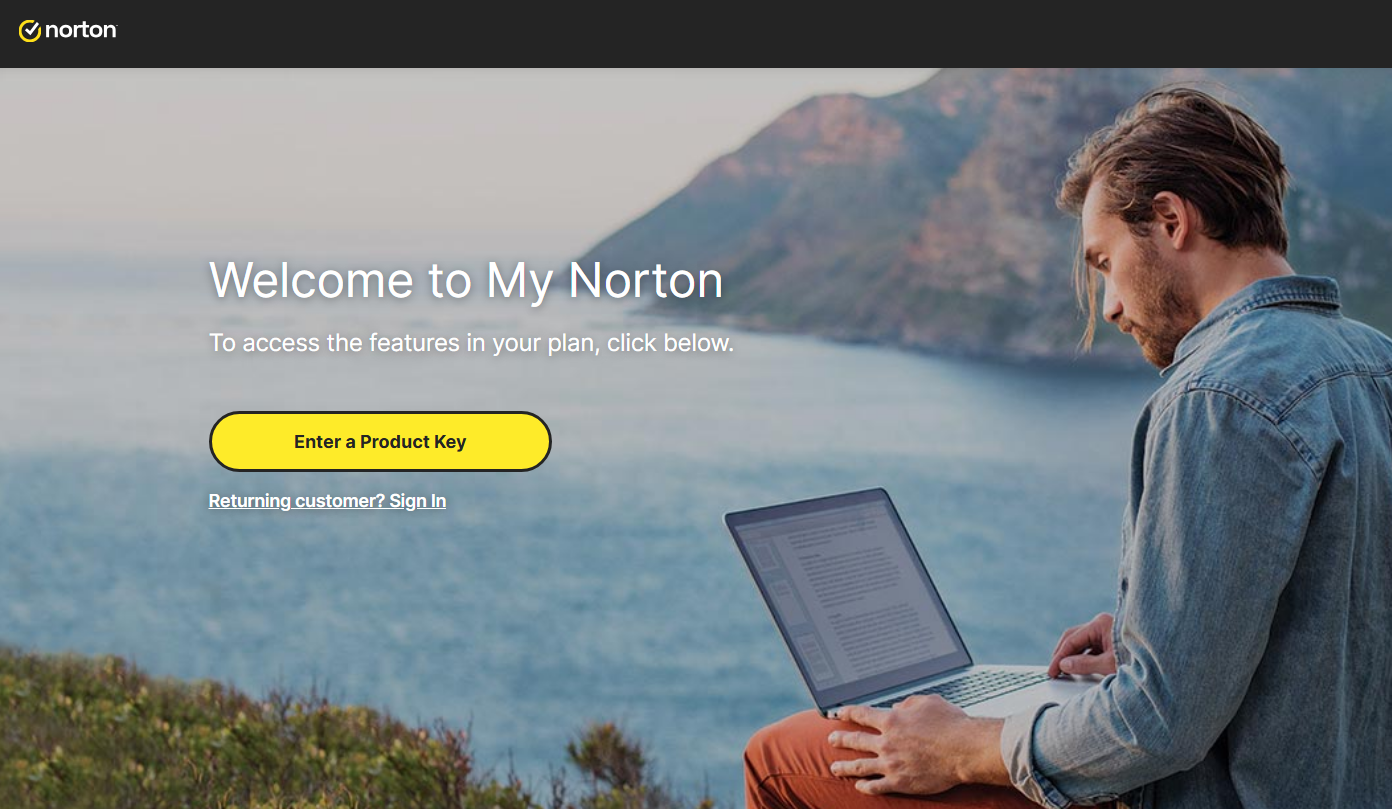
For download Norton, go to https://norton.com/setup , you will be redirected to https://my.norton.com/home/setup and do login, If you dont have an account, you need to create one. But maybe you are login when purchasing the product.

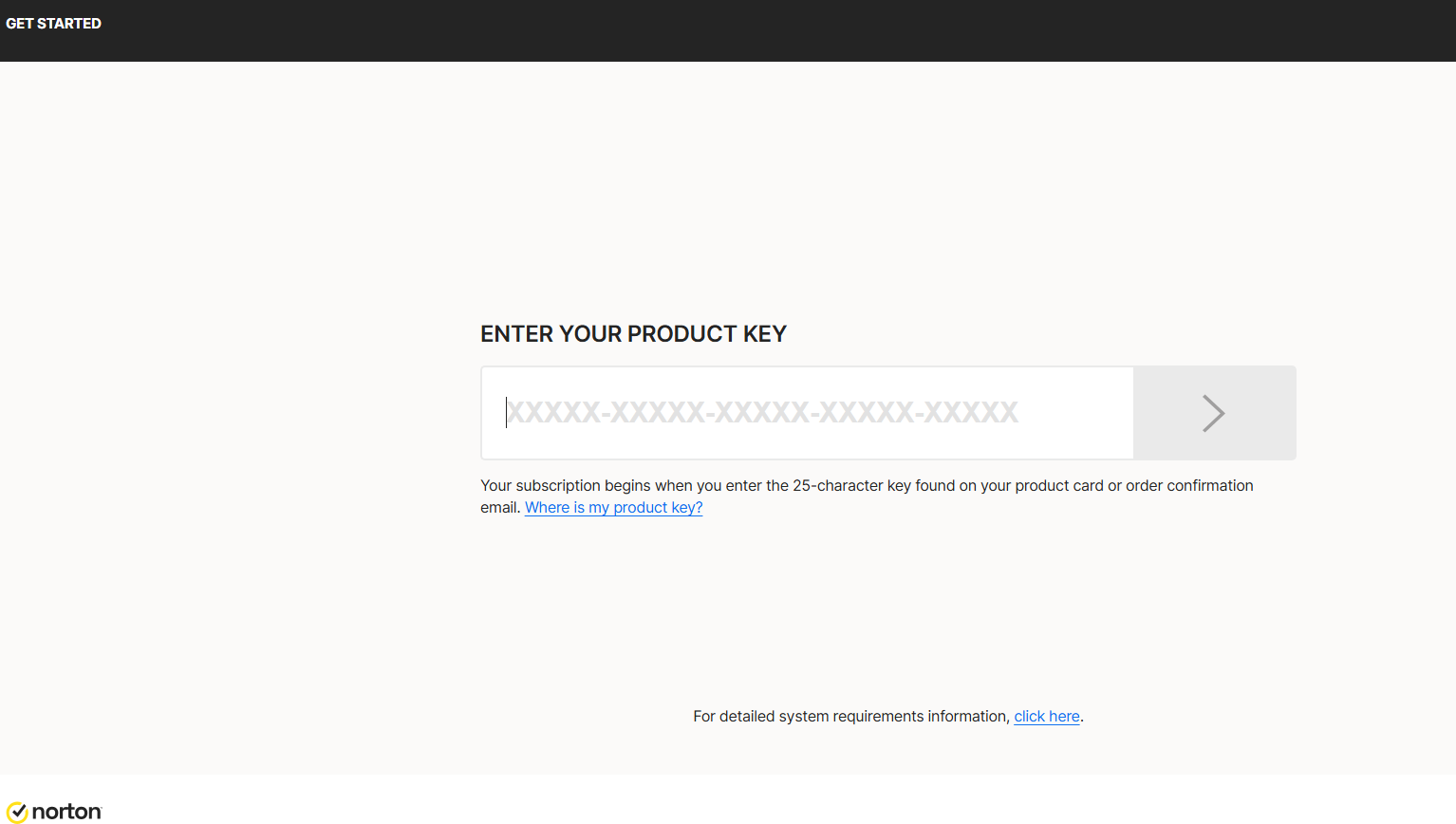
Now: You need to put your product key.

ΆΔΕΙΑ ΚΑΙ ΕΝΕΡΓΟΠΟΊΗΣΗ
Then, you need give Authorization to renew annual subscription with your credit cart.
Insert your credit card information , filling the folllow fields:
This is for a Subscription payment authorization and automatic renewal.
And click on Start subscription.
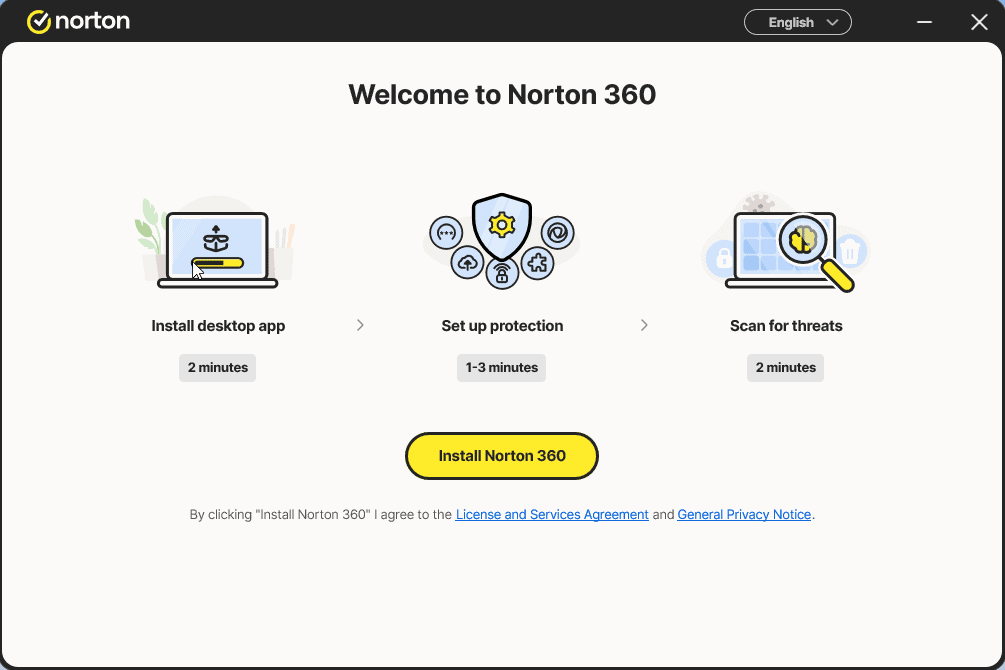
Download the installer and execute the installer:

Install and log in again in the app


SETUP
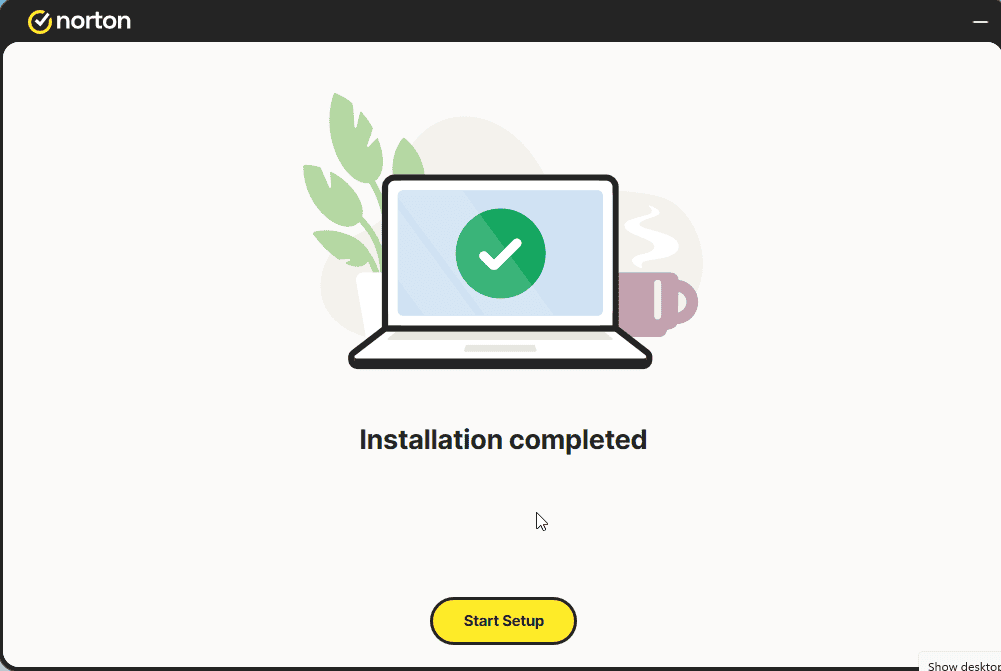
Click on Start Setup.
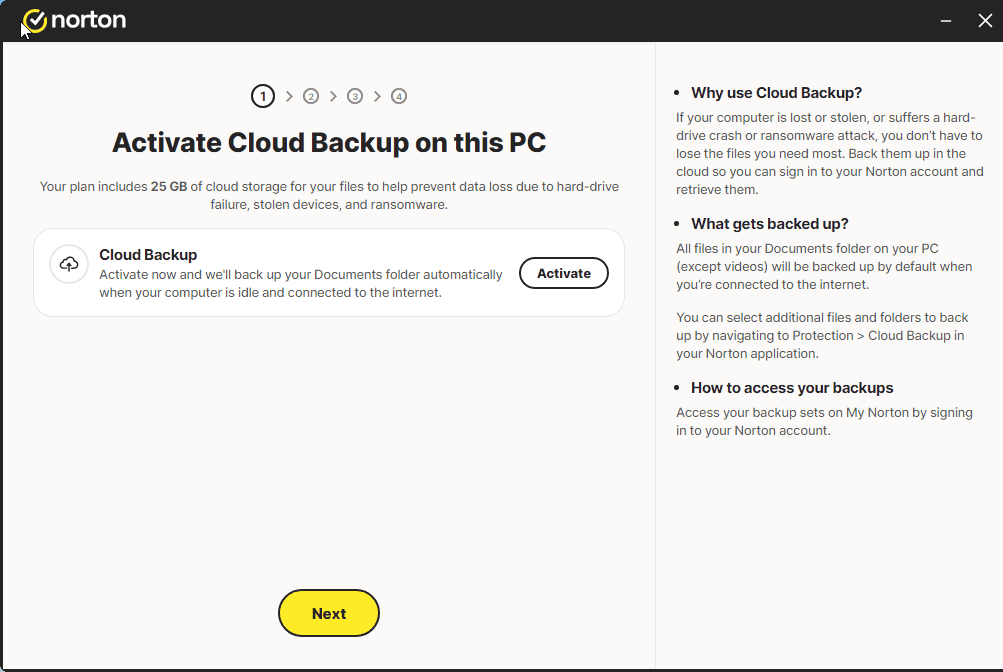
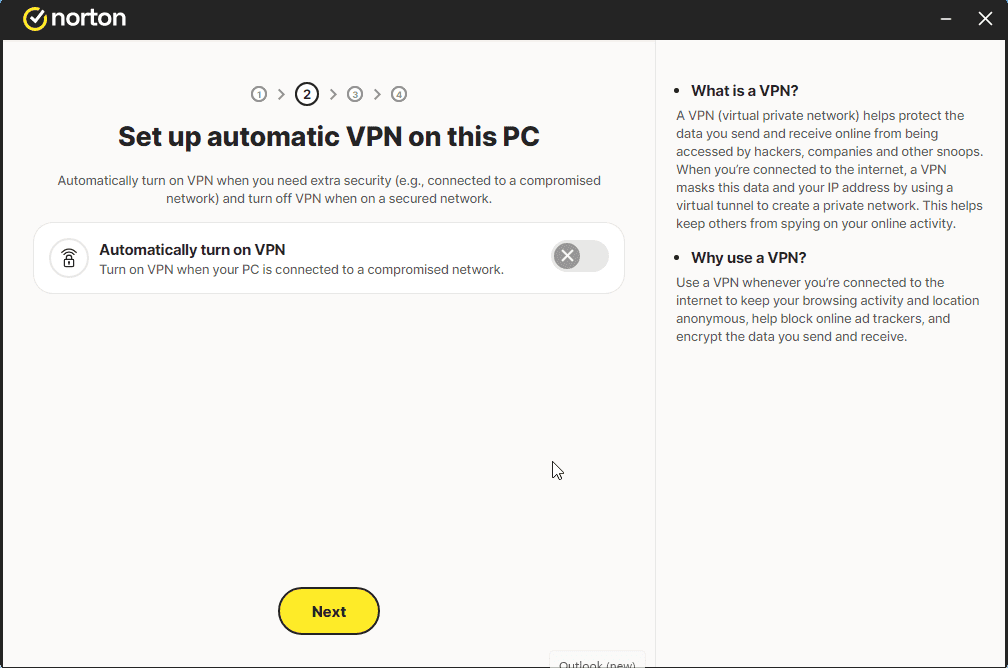
Config the 4 steps.
Login if necesary


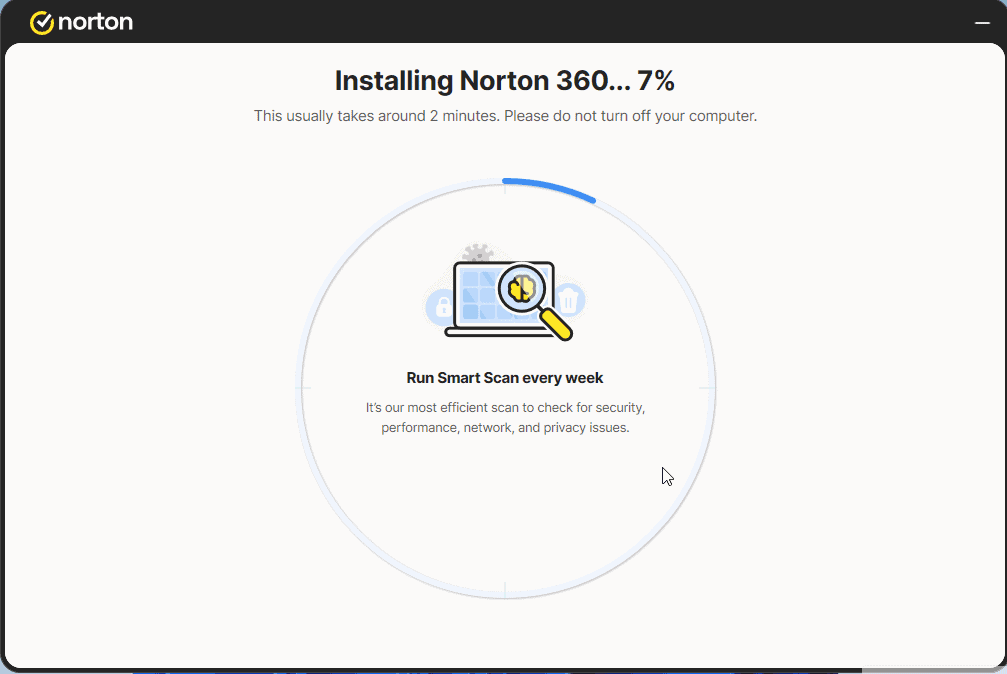
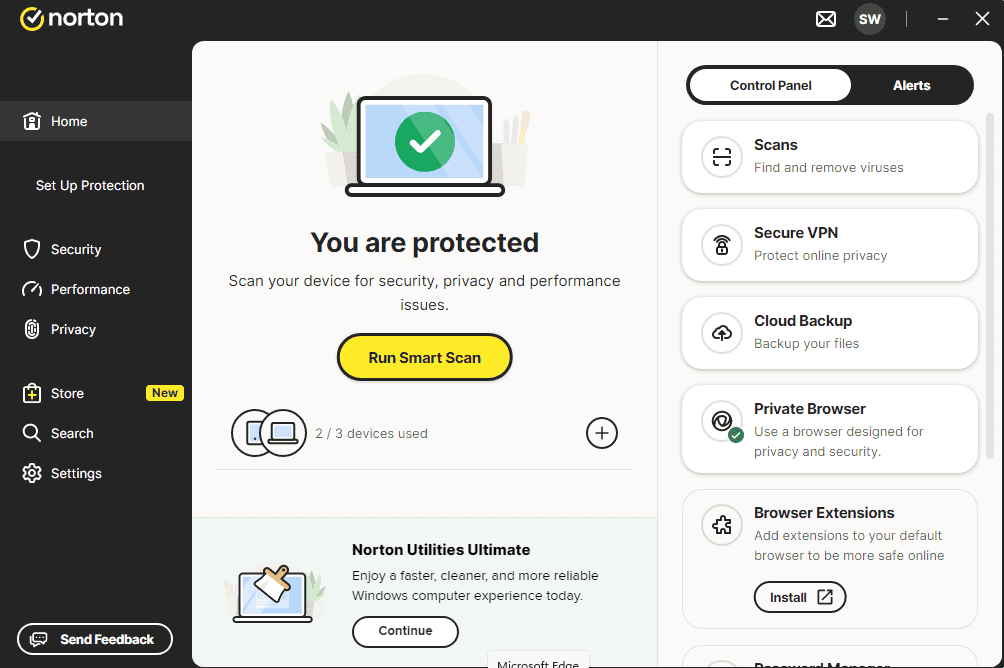
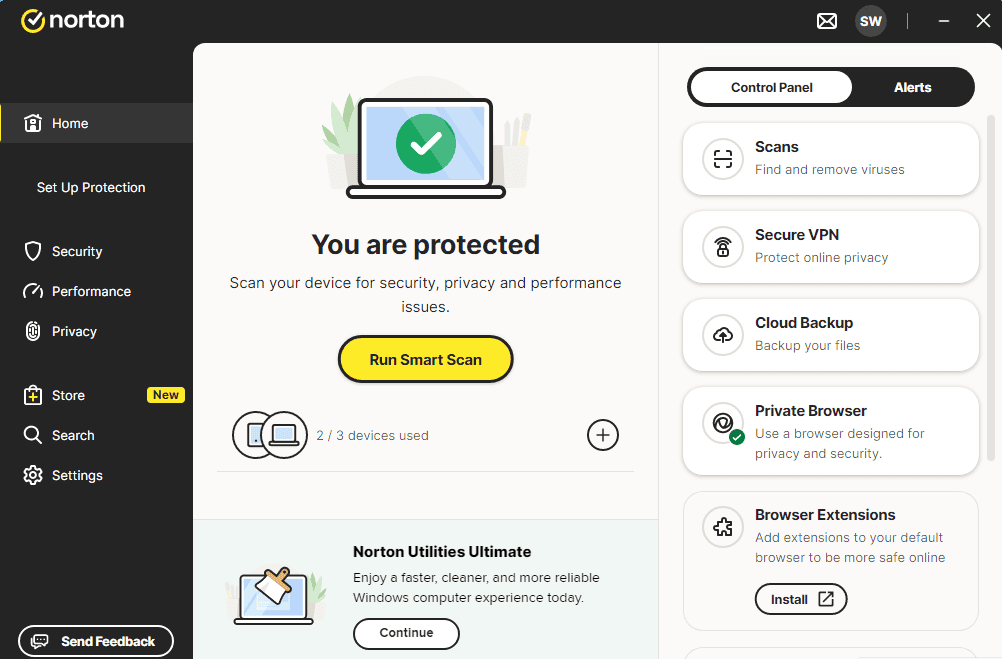
And you should have a message like the image:

Now you can RUN SMART SCAN

ΣΗΜΕΙΩΣΗ
Please note: To ensure a smooth activation process, make sure your device is connected to the internet during installation. If you experience any issues or have questions, please contact the 24/7 customer service of the store where you purchased the product.
Δεν βρήκατε καμία λύση;
Για ενεργοποιήσεις σε περισσότερες συσκευές, ακολουθήστε τα βήματα αυτού του οδηγού σε κάθε συσκευή που θέλετε να ενεργοποιήσετε το πρόγραμμα.
Δεν βρήκατε καμία λύση;
Για ενεργοποιήσεις σε περισσότερες συσκευές, ακολουθήστε τα βήματα αυτού του οδηγού σε κάθε συσκευή που θέλετε να ενεργοποιήσετε το πρόγραμμα.
Σας ευχόμαστε μια επιτυχημένη εγκατάσταση. Εάν εξακολουθείτε να έχετε προβλήματα ή ερωτήσεις σχετικά με την εγκατάσταση, παρακαλούμε επικοινωνήστε με την εξυπηρέτηση πελατών μας ανά πάσα στιγμή. Θα σας βοηθήσουμε το συντομότερο δυνατό.